
CapCut: review, pricing and alternatives
What is CapCut?
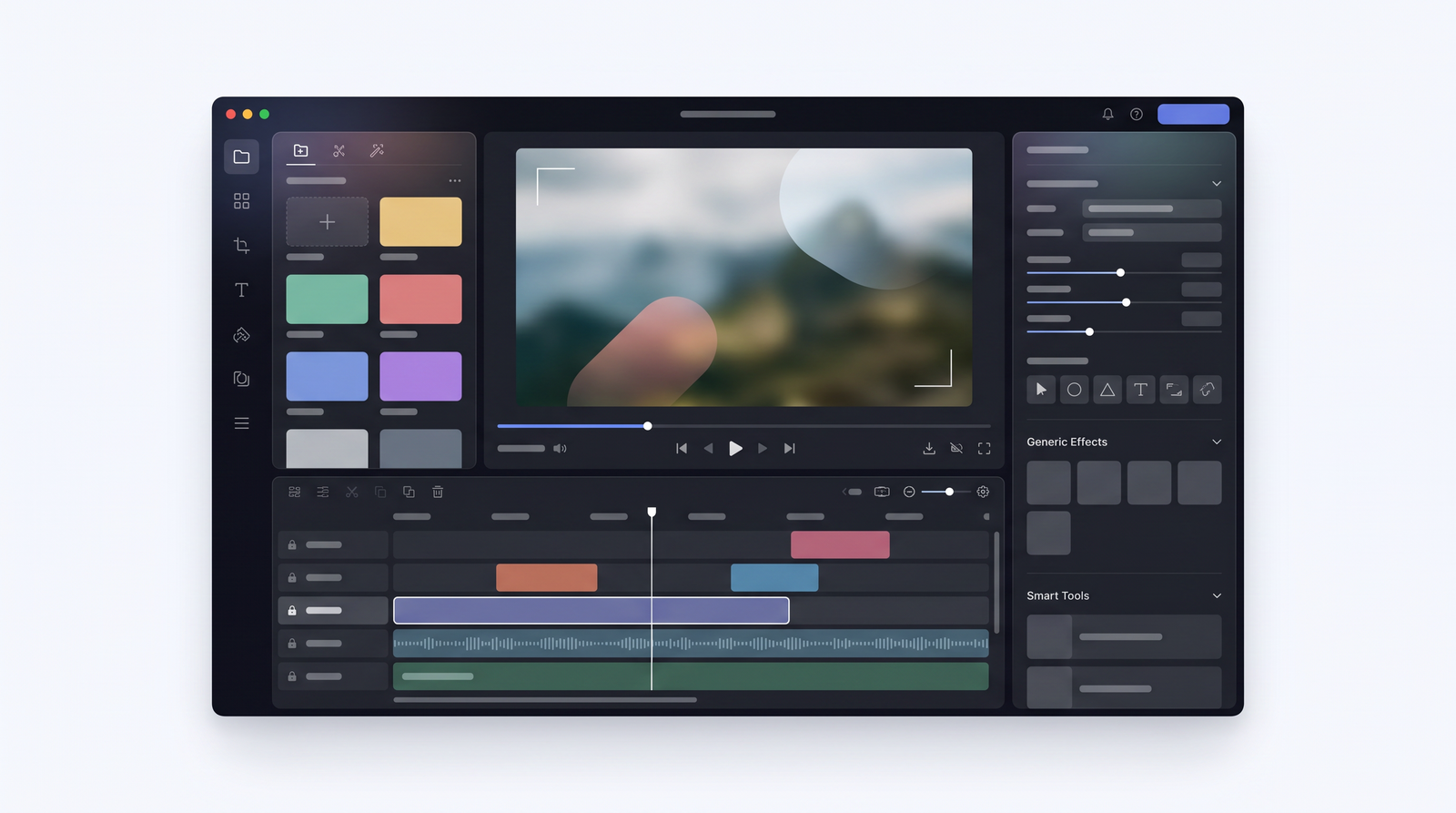
When I first started seeing CapCut pop up everywhere – from viral TikToks to professional-looking Instagram Reels – I honestly didn't think much of it. It seemed like just another mobile video editor. But what I quickly learned, and what makes CapCut so significant, is that it's far more than that. Owned by ByteDance, the same company behind TikTok, CapCut has rapidly evolved from its origins as a mobile-first app into a formidable cross-platform video editing tool, now available on the web and as a robust desktop application for both Mac and Windows.
At its core, CapCut is an AI-powered video editor designed with the modern creator in mind, specifically those focused on short-form social video content. Its deep integration with the ByteDance ecosystem, particularly TikTok, means it’s tailor-made for producing the kind of quick, punchy, and visually engaging videos that dominate platforms like TikTok, Instagram Reels, and YouTube Shorts. This lineage gives it an inherent understanding of what works in that space, offering a suite of tools that simplify the often-complex process of video creation.
What distinguishes CapCut is its commitment to accessibility and speed. It democratizes video editing, making powerful features available to beginners and seasoned creators alike. While it excels in rapid-fire short-form content, I've found it surprisingly capable of handling more moderately complex projects, pushing beyond its initial reputation as merely a 'TikTok editor.' This versatility, coupled with its AI capabilities, is a huge part of its appeal and why it has become such a go-to for so many.
Key AI Features and Editing Tools
One of the aspects of CapCut that truly impressed me, and what keeps me coming back, is its suite of AI-powered capabilities. These aren't just gimmicks; they're genuine time-savers that streamline the editing process significantly. The auto-captions feature, for instance, is incredibly accurate and fast. I can upload a video, hit a button, and within moments, I have perfectly synchronized captions, ready for a quick review and minor edits. This alone can save hours, especially for creators who prioritize accessibility and engagement on social media.
Beyond captions, CapCut offers excellent text-to-speech functionality, allowing you to generate natural-sounding voiceovers directly from your written script. This is fantastic for adding narration without needing to record your own voice, or for creating engaging explainer videos. The AI clipper is another standout, intelligently identifying and cutting out silences or awkward pauses, which is a huge boon for quickly refining raw footage into a polished sequence. These tools genuinely reduce the grunt work of editing, letting you focus more on creative storytelling.
But CapCut isn't just about its smart AI. It boasts an extensive and ever-growing library of creative assets that are crucial for social media trends. You’ll find a vast collection of templates, often tied to popular trends, that allow you to create professional-looking videos with minimal effort. The effects, sounds, and transitions libraries are comprehensive, offering everything from subtle enhancements to eye-catching visual flair. Plus, the ability to export in 4K resolution means your creations maintain a high level of quality, whether they're destined for a phone screen or a larger display. The cross-platform nature also means you can start a project on your phone and seamlessly pick it up on your desktop, a convenience that shouldn't be underestimated.
User Experience Across Platforms (Mobile, Web, Desktop)
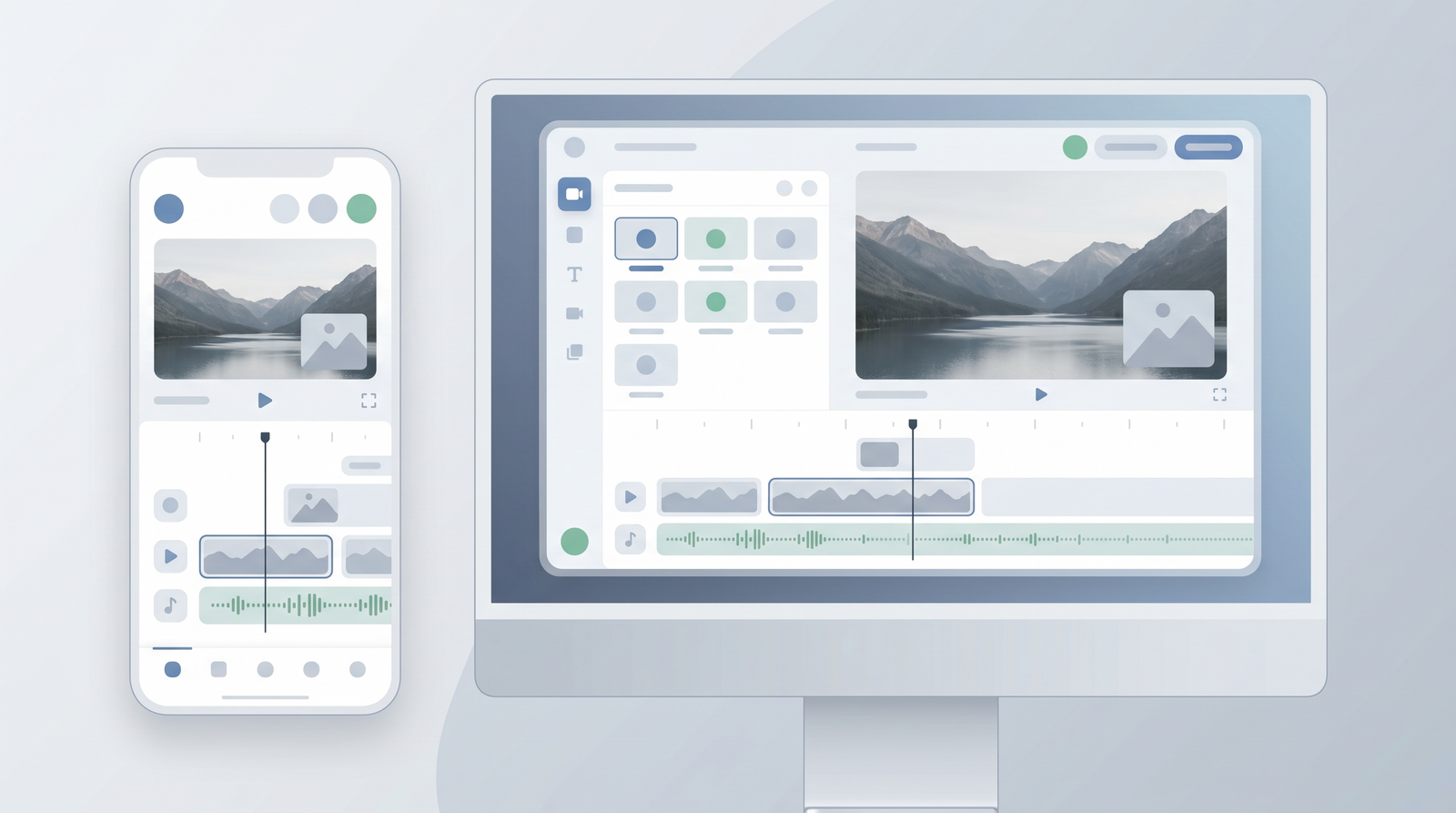
My experience with CapCut across its various platforms has been consistently positive, largely due to its intuitive interface designed with user-friendliness in mind. The journey often begins with the mobile app, which is where CapCut first gained its immense popularity. On a smartphone, the interface is incredibly straightforward: a clear timeline at the bottom, essential tools and effects neatly organized in a row, and a large preview screen. It’s perfect for on-the-go edits, quick cuts, adding text, and exporting directly to social media. For beginners, the mobile app offers a remarkably smooth onboarding experience, allowing you to create impressive clips without any prior editing knowledge.
The web-based editor offers a familiar structure, reminiscent of other online creative tools like Canva. It’s highly accessible, requiring no powerful hardware, which means you can edit from virtually any device with an internet connection. I find it particularly useful for accessing cloud-stored footage and making quick adjustments when I don’t want to load up the desktop software. While it’s excellent for basic tasks and quick assembly, I’ve noticed it can be a bit clunkier for more intricate adjustments, especially with audio elements, compared to its desktop counterpart.
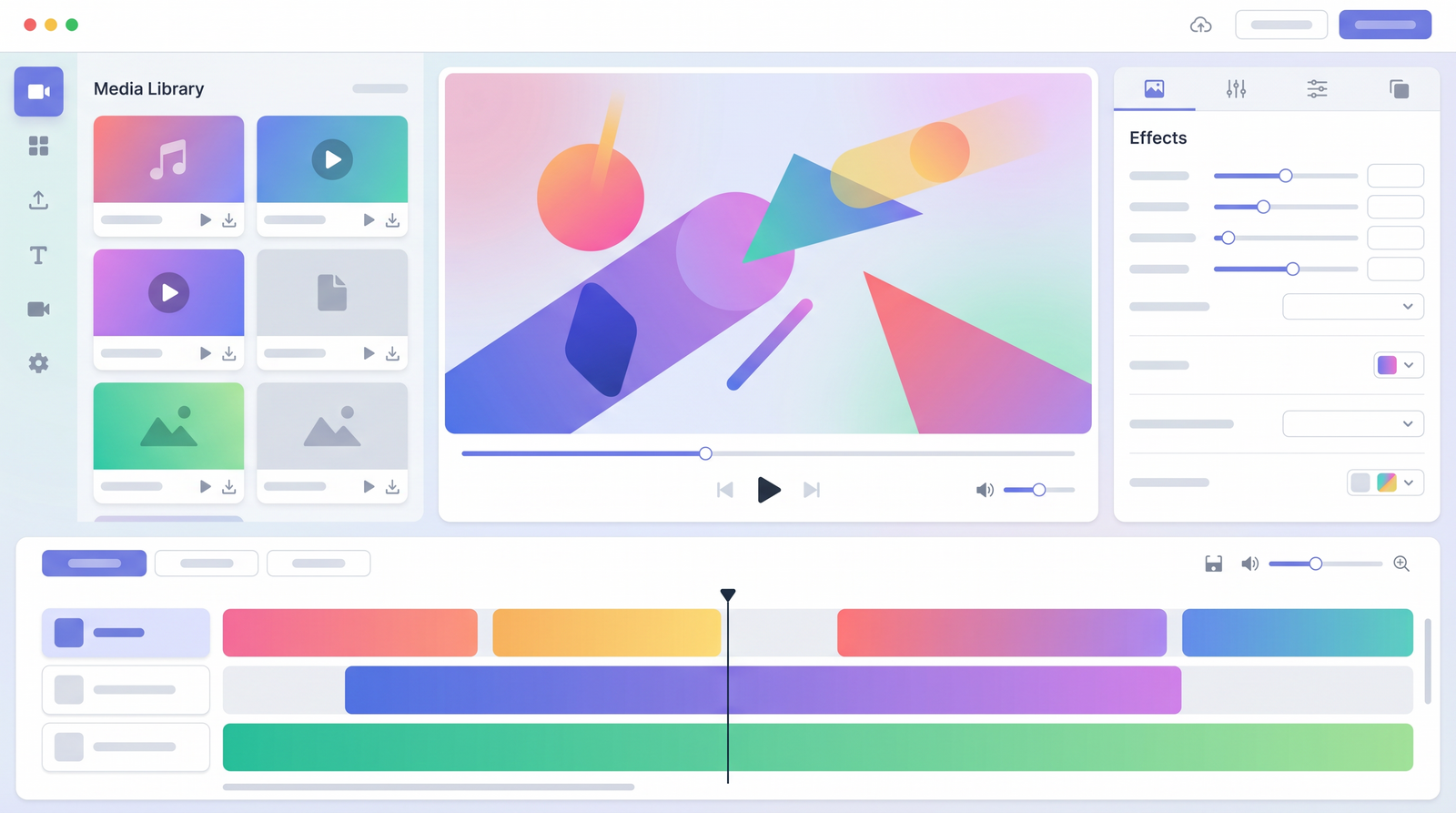
For more complex projects, or when I need finer control, the desktop software is my go-to. It truly bridges the gap between a casual app and a traditional video editor. With distinct panels for the player, project effects, timeline, and media playlist (including dedicated tabs for audio, text, transitions, and effects), it feels robust and professional. The desktop version allows for a greater degree of precision and multi-track editing, making it suitable for projects that go beyond simple social media clips. It stands out for its stability and the ability to handle more demanding editing tasks, making it a powerful tool for those who want to dive deeper into video production without being overwhelmed by overly complex software.
CapCut Pricing, Plans, and Free Trial
When it comes to CapCut's pricing, you'll find a clear distinction between its free and paid offerings, though some aspects of the subscription model can be a source of frustration for users. The good news is that CapCut offers a highly functional free tier that provides basic editing capabilities, a wide array of effects, and many of its AI tools, albeit with a watermark on exported videos. For casual users or those just dipping their toes into video editing, the free version is surprisingly robust and often sufficient for simple social media content.
For those needing more advanced features or looking to remove the watermark, CapCut offers a Pro subscription. This tier unlocks all premium features, removes the watermark, and provides access to an even larger library of assets. There's also a 7-day free trial available for the Pro version, which I highly recommend taking advantage of to see if the enhanced features justify the cost for your specific workflow. For businesses or teams, a Business tier is available, primarily through the web-based editor, which includes team collaboration tools and commercial assets, further expanding its utility for professional use.
However, this is where I need to introduce a significant caveat based on widespread user feedback and my own observations. While the features themselves are compelling, numerous users, myself included, have encountered considerable frustration with CapCut's billing practices and customer support. Complaints about confusing subscription processes, unexpected charges, and an incredibly difficult cancellation process are alarmingly common. Many reviewers report non-existent customer support, making it nearly impossible to resolve billing errors or cancel subscriptions without significant hassle. This lack of reliable support is a major drawback that potential subscribers should be acutely aware of before committing to a paid plan.
| Plan | Price | Best for |
|---|---|---|
| Free | $0 | Beginners, casual social media creators, basic edits with watermark |
| Pro | ~$9.99/month | Consistent creators, removing watermark, unlocking premium AI features and assets, 4K export |
| Business | Variable | Teams, marketers needing collaboration and commercial assets (primarily web-based) |
Pros: Why Creators Choose CapCut
Having used CapCut extensively, I can confidently say its advantages are numerous and compelling, explaining why it's become a staple for countless creators. What immediately stands out is its incredible speed and efficiency. I've found that I can churn out a polished short-form video in a fraction of the time it would take with more complex software. This speed isn't just about quick exports; it’s about a streamlined workflow that minimizes friction at every step, from importing clips to applying effects.
Its versatility and cross-platform accessibility are also huge wins. The ability to start an edit on my phone while waiting for an appointment and then seamlessly continue it on my desktop later is invaluable. This flexibility ensures that my creative flow isn't interrupted, regardless of where I am or what device I have on hand. For beginners, the intuitive interface is a lifesaver, making video editing feel approachable rather than intimidating. You don't need to spend hours watching tutorials to get started; you can dive right in and achieve impressive results quickly.
The powerful AI tools, which I touched on earlier, are another major draw. Features like auto-captions and text-to-speech are not just novelties; they genuinely enhance production quality and save immense amounts of time. For anyone creating short-form content for platforms like TikTok or Reels, CapCut is exceptionally efficient, offering trendy templates, effects, and sounds that keep your content relevant and engaging. Its mobile editing capabilities, in particular, are a killer feature, allowing for robust edits directly from your smartphone, a feat many desktop-centric tools simply can't match.
- Speed and Efficiency: Rapid video creation and export.
- Cross-Platform Access: Edit seamlessly on mobile, web, or desktop.
- Beginner-Friendly: Intuitive interface with a minimal learning curve.
- Powerful AI Tools: Auto-captions, text-to-speech, and AI clipper save time.
- Mobile Editing Prowess: Robust editing capabilities directly from your phone.
Cons: User Complaints and Limitations
While CapCut offers a compelling suite of features, it's crucial to address the significant drawbacks and recurring user complaints that temper an otherwise positive experience. The most glaring and frequently cited issue, which I’ve unfortunately encountered myself and seen echoed across countless reviews, is the abysmal state of customer support. It's often described as non-existent, and I can attest that trying to get assistance for billing errors or technical glitches can feel like shouting into a void. This lack of reliable support is a serious concern, especially when dealing with financial transactions.
Closely tied to the customer support problem are the pervasive complaints about confusing billing practices and challenging subscription cancellations. Users frequently report being charged unexpectedly, struggling to understand their subscription status, and finding it incredibly difficult, if not impossible, to cancel a Pro subscription once initiated. This creates a deeply frustrating and untrustworthy experience, overshadowing the app's many strengths. For a tool that is otherwise so user-friendly, the subscription management process is shockingly opaque and unhelpful.
Beyond the customer service nightmare, there are also privacy concerns to consider, largely stemming from CapCut's ownership by ByteDance, the same company behind TikTok. While the app is powerful, some users understandably have reservations about data privacy, especially given the scrutiny ByteDance apps have faced. Additionally, while the app is robust, there are some feature gaps, particularly in the web version, which isn't as fully-featured or precise as the desktop software. For instance, fine-tuning audio or handling a very high number of complex tracks might push the limits of what the online editor can comfortably manage.
Performance and Workflow Efficiency
One of CapCut's most compelling attributes is its performance and the resulting workflow efficiency it offers. From the moment I started using it, I was struck by how fast it felt. Unlike some heavier video editing software that can be sluggish to load or render, CapCut is remarkably quick, allowing for a fluid and uninterrupted editing process. This speed extends to its stability; in my experience, crashes are rare, which is a huge relief when you're in the middle of a creative flow and don't want to lose progress.
The streamlined workflow is where CapCut truly shines, especially for creators on a deadline. It's designed to minimize unnecessary steps, allowing you to move from idea to polished video with impressive speed. For example, adding simple transitions, adjusting colors, or trimming clips for a quick YouTube Short or Instagram Reel can be done in minutes. This efficiency is a game-changer, as it frees up valuable time that would otherwise be spent wrestling with more intricate interfaces or waiting for renders. I've found it genuinely helps me save a significant amount of editing time, sometimes cutting it by as much as 70% for short-form content.
This combination of speed, stability, and a highly efficient workflow makes CapCut an ideal tool for quick, on-the-go video production. Whether I'm stitching together clips from a recent shoot on my phone or making final adjustments on my desktop, the process is consistently smooth. It's perfectly suited for creators who need to produce high-quality content rapidly without compromising on visual appeal. The ability to export quickly, even in 4K, further solidifies its position as a go-to editor for maintaining a consistent content schedule.
Who is CapCut Best For? (Use Cases)
Based on my extensive use and its unique feature set, CapCut is ideally suited for a distinct group of creators and professionals. Primarily, it's a dream come true for social media creators. If you're consistently churning out content for platforms like TikTok, Instagram Reels, or YouTube Shorts, CapCut's intuitive interface, vast template library, and AI-powered tools make it an indispensable asset. It simplifies the process of creating trending videos, ensuring your content looks professional and engaging with minimal effort.
Marketers also stand to benefit immensely from CapCut. For those needing to produce quick video ads or promotional content without investing in a full-fledged video production team or complex software, CapCut offers a fast and efficient solution. Its ability to quickly generate captions, add catchy music, and apply visually appealing effects means you can create impactful marketing videos in-house, saving both time and resources.
Furthermore, CapCut is an excellent starting point for beginners in video editing. Its user-friendly design and guided experience mean that even if you've never edited a video before, you can achieve impressive results very quickly. It removes the intimidation factor often associated with professional editing suites, allowing new creators to learn the ropes and develop their skills in a supportive environment. Lastly, anyone requiring an efficient editor for short-form content, capable of handling projects ranging from simple cuts to moderately complex multi-track edits, will find CapCut to be a powerful and reliable tool.
CapCut vs. Alternatives: How It Stacks Up
When comparing CapCut to the broader landscape of video editing software, its niche becomes incredibly clear. On one end of the spectrum, you have professional-grade tools like Adobe Premiere Pro and DaVinci Resolve. These are incredibly powerful, offering unparalleled control and depth for complex, long-form projects, but they come with a steep learning curve and often a hefty price tag. CapCut, by contrast, is far less intimidating. It’s not designed to replace these titans for feature films or broadcast television, but rather to offer a fast, accessible, and powerful alternative for a different kind of content.
In the consumer-level market, CapCut goes head-to-head with editors like Filmora, Movavi, and CyberLink PowerDirector. While these alternatives offer solid feature sets and user-friendly interfaces, CapCut often pulls ahead with its superior AI-driven capabilities and its deep integration with social media trends. What I've found is that CapCut excels specifically in the realm of fast, AI-driven social media content creation. It’s built from the ground up to help you create viral-ready videos quickly, a focus that isn't always as pronounced in its direct competitors.
Ultimately, CapCut occupies a unique and highly effective position in the market. It offers a level of sophistication and feature richness that surpasses many free mobile editors, while remaining far more approachable and efficient than professional software. For anyone primarily focused on short-form video for social media, its combination of AI power, extensive asset libraries, and ease of use makes it a standout choice. If you're curious about how it ranks against other tools, you can see how it stacks up against alternatives on Top10k and explore its market position in more detail.
CapCut Review Verdict: Is It Worth the Subscription?
After spending considerable time with CapCut across its various platforms, my verdict is a balanced one. It is, without a doubt, an incredibly impressive and powerful video editing tool, especially for anyone serious about creating engaging short-form content for social media. Its ease of use, intuitive interface, and suite of AI-powered features like auto-captions and text-to-speech are genuine game-changers that significantly streamline the editing process and save creators valuable time. For beginners, it's an excellent starting point that removes much of the intimidation factor associated with video editing.
However, the decision of whether a Pro subscription is worth it largely hinges on your specific needs and your tolerance for potential frustrations. For simple videos, occasional use, or if you don't mind a watermark, the free version of CapCut is remarkably capable and often more than sufficient. It provides access to a vast array of tools and effects that many paid editors can't match.
The Pro subscription becomes beneficial for consistent content creators who need to remove the watermark, access premium assets, and utilize all AI features without limitation. For any sort of consistent use or if your projects lean towards moderately complex editing, I would lean towards getting Pro. However, this recommendation comes with a strong caveat: be extremely cautious about the subscription process. The overwhelming complaints about non-existent customer support, confusing billing, and difficult subscription cancellations are significant red flags. While the software itself is fantastic, the user experience outside of the editor can be deeply frustrating. If you do subscribe, ensure you understand the terms and keep a close eye on your billing, as managing your subscription can be an uphill battle.
CapCut is a powerful, user-friendly editor for short-form content, but its excellent features are significantly overshadowed by persistent issues with customer support and subscription management.
Full profile and live ranking: https://top10k.com/ai/capcut
Published by

Top10k Tools is a web-based utility hub providing a growing library of browser-based utilities created to boost productivity.
The platform covers a broad mix of SEO tools, converters, dev utilities, and image editors. Each tool runs right in the browser, making them quick to access anywhere.
The goal behind Top10k Tools is creating a complete library of 10,000 online utilities covering nearly every everyday task.
Whether you're a marketer, developer, student, or business owner, there's likely a tool that fits. Give it a try.
Frequently asked questions
What is CapCut, and who owns it?
CapCut is a popular, AI-powered video editing tool primarily focused on short-form social media content. It is owned by ByteDance, the same company that developed TikTok, and has evolved from a mobile app into a cross-platform editor available on web and desktop.
What are CapCut's key AI features?
CapCut boasts several powerful AI features designed to streamline editing. These include highly accurate auto-captions, text-to-speech for generating voiceovers, and an AI clipper that intelligently removes silences and awkward pauses from footage.
Is CapCut free, and what does the Pro version offer?
Yes, CapCut offers a robust free version with basic editing tools, many AI features, and a wide asset library, though it includes a watermark on exports. The Pro subscription (around $9.99/month) removes the watermark, unlocks all premium features, and provides access to an expanded asset library. There's also a 7-day free trial for Pro.
How easy is CapCut to use for beginners?
CapCut is exceptionally beginner-friendly across all its platforms. Its intuitive interface, especially on mobile, allows new users to quickly grasp the basics and create professional-looking videos with minimal prior experience or extensive tutorials. The desktop version offers more robust controls for more complex projects.
What are the main complaints about CapCut?
The most significant and recurring complaints about CapCut revolve around its non-existent customer support, confusing billing practices, and extremely difficult subscription cancellation process. Many users report unexpected charges and an inability to resolve issues or cancel their subscriptions easily.
Who is CapCut best suited for?
CapCut is best suited for social media creators (TikTok, Reels, Shorts), marketers needing quick video ads, beginners in video editing, and anyone requiring an efficient editor for short-form content. It's excellent for projects ranging from simple cuts to moderately complex multi-track edits.
How does CapCut compare to other video editors?
CapCut is less intimidating than professional tools like Premiere Pro or DaVinci Resolve, offering a faster, more accessible workflow. Compared to consumer-level editors like Filmora, CapCut often stands out due to its superior AI-driven features and its specific optimization for fast-paced, social media content creation.
Is a CapCut Pro subscription worth it despite the complaints?
A Pro subscription is beneficial for consistent creators who need watermark-free exports and full access to premium AI tools and assets. However, this must be weighed against the significant, well-documented issues with customer support and subscription management. For simple, occasional videos, the free version is often sufficient and avoids these potential frustrations.